




UMS IT Information Security
Stay Secure
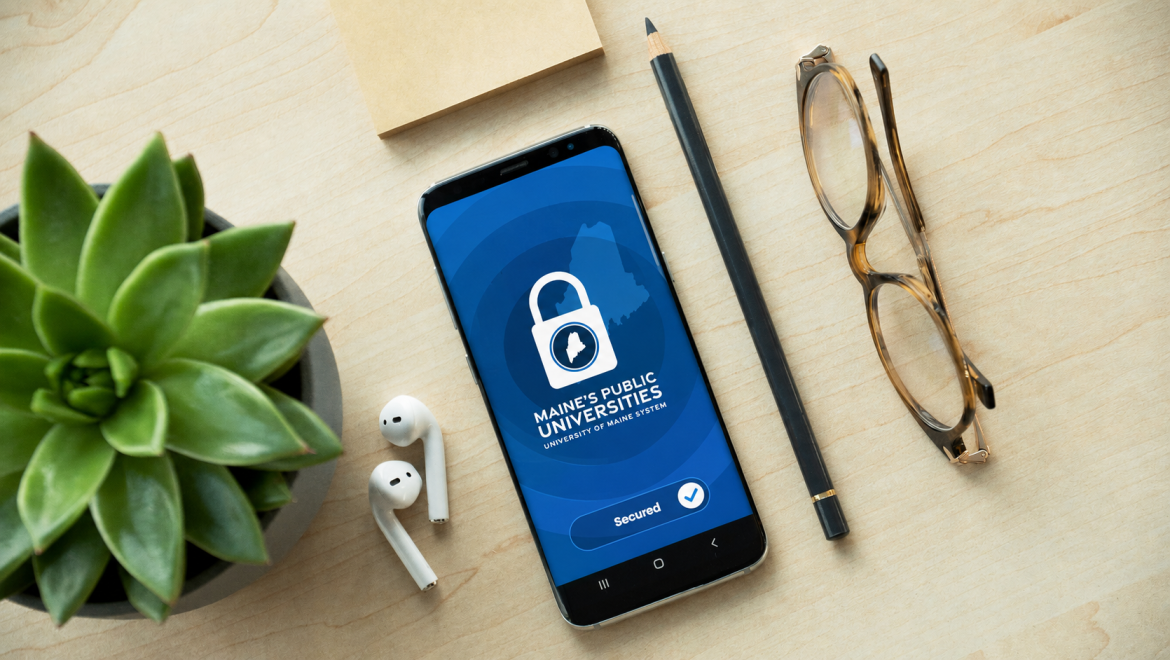
Safe, trustworthy systems are what let our community teach, learn, research, and work. Whether you need to report something, protect your account, or find a policy, this is your starting point — and the Help Desk is always a call away.
Report it in seconds.
Reporting is the single most helpful thing you can do. It takes moments, helps us protect everyone, and you never need to be certain — we’d always rather take a look.
Report a phishing email
Forward the message to phish@maine.edu. It goes straight to our security team.
Compromised account?
Clicked a bad link, entered your password somewhere odd, or seeing activity that isn’t you? Call the Help Desk now and we’ll secure your account.
Another security concern
Lost or stolen device, a suspicious phone call, or a worry about university data? Open a security ticket and the right team will follow up.
One thing worth remembering: UMS IT will never ask for your password or a sign-in code by email, phone, or text. If a message does, it isn’t us — report it.
Security resources, all in one place.
From protecting your account to understanding how we handle university data, this is the directory for security and privacy across Maine’s public universities. A few resources live behind a secure sign-in at the support portal.
Create a strong password
Build a passphrase that’s easy for you to remember and hard for anyone else to guess.
Use AI safely
Find guidance for using AI tools with university information, including how to use approved tools responsibly.
Managing university data
Classify, store, and share data the right way — especially anything sensitive or personal.
Policies & acceptable use
The information security and acceptable use policies that govern UMS systems and accounts.
Security awareness training
Complete your annual training and short refreshers, and check your completion status.
Protecting private information
The policy that sets out how employees must safeguard confidential data and keep information private.
Security is a shared responsibility.
Our security team monitors and protects university systems, accounts, and data, but the fastest protection is often a quick report from you. When in doubt, report it. We would always rather take a look and tell you it’s nothing.
A few habits go a long way.
You don’t need to be a security expert. A handful of simple habits protect your account, your work, and the people you collaborate with.
Turn on multi-factor sign-in
The single best protection for your account. Approve sign-ins on your phone.
Use a strong passphrase
Long and unique beats complex. Never reuse your maine.edu password elsewhere.
Add a passkey
Sign in with your face, fingerprint, or device — nothing for an attacker to steal.
Stay alert to common scams.
Scams change quickly, but many follow familiar patterns. These examples can help you recognize common warning signs. For a current list of phishing scams reported across UMS, check the support portal.
Fake student job offers by text
Messages offering easy remote work and a “personal assistant” paycheck, then asking you to buy gift cards or deposit a check. UMS and real employers never pay you up front or ask for gift cards.
“Your email will be deactivated”
Emails warning your account expires unless you “verify” on a look-alike sign-in page. We will never ask you to confirm your password through an emailed link.
Questions? We’re here to help.
Security is a shared responsibility, and you’re never on your own. If something looks off or you just want advice, UMS Information Security is here for students, faculty, and staff across all seven universities and the Law School.