







UMS IT
Your UMS technology toolkit.
The applications and services UMS provides to every student, faculty, and staff member — with quick links to open each tool and step-by-step setup guides.
Sign in once, reach it all.
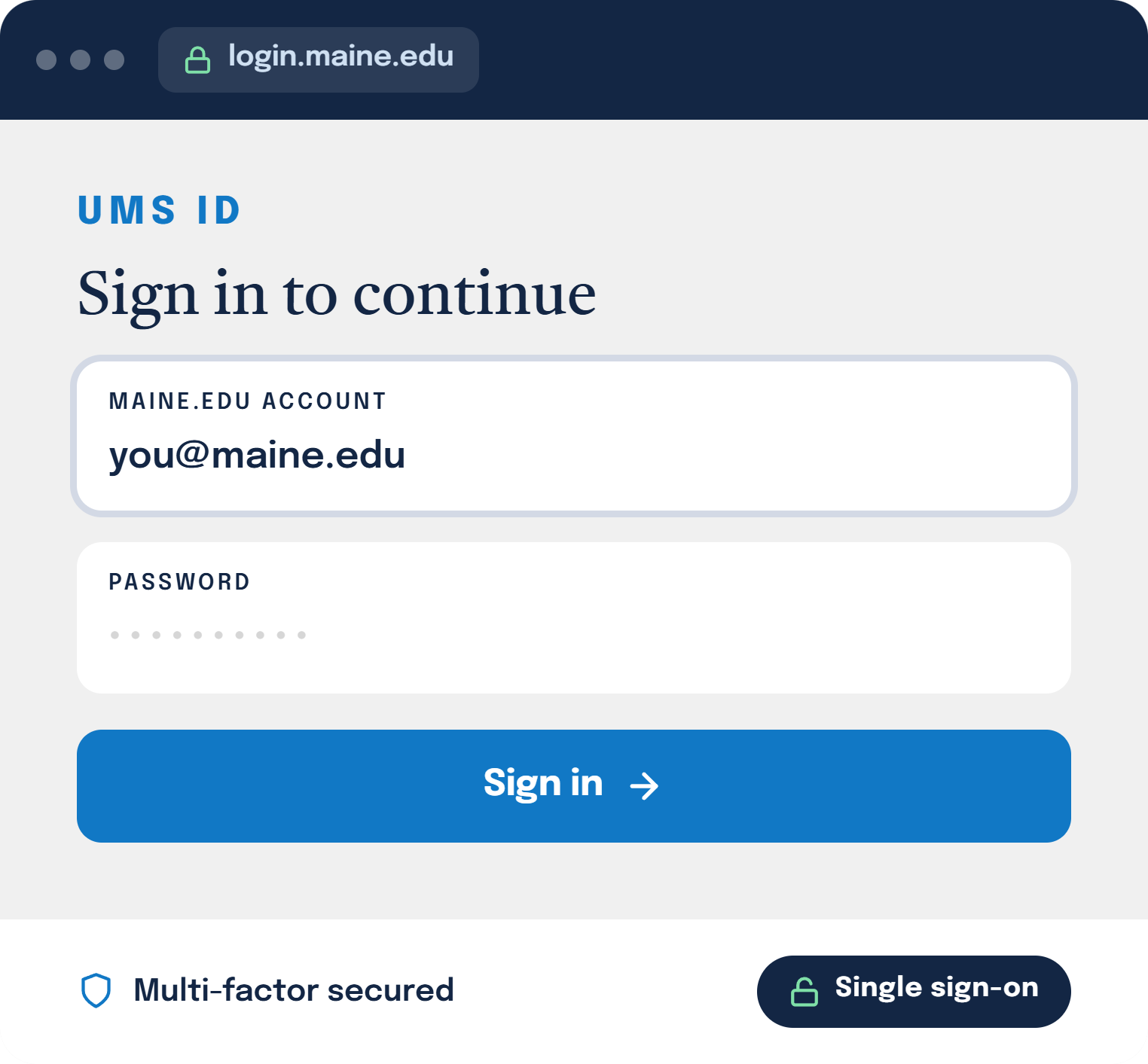
Your UMS ID is your single maine.edu account — the one key to every tool below. With single sign-on and multi-factor sign-in, you move between email, your courses, meetings, and campus systems without juggling separate logins.
One identity for every UMS system
Works on any device
Free for students and employees
01
Accounts & Access
Your account and sign-in — set these up first; everything else depends on them.
UMS ID
Students
Faculty
Staff
Your UMS ID — your single maine.edu account — signs you in to nearly every UMS system, including mycampus for registration, grades, pay, and benefits.
Multi-Factor Authentication (MFA)
Students
Faculty
Staff
MFA adds a second step to every sign-in, so a stolen password isn’t enough to reach your account. Required for most UMS logins.
02
Email & Collaboration
Mail, files, documents, and meetings — all included with your maine.edu account.
Students
Faculty
Staff
Your @maine.edu address is the official channel for university communication. UMS email runs on Google — sign in to Gmail to send and receive your university mail.
Google Workspace
Students
Faculty
Staff
Drive, Docs, Sheets, Slides, and Meet — included with your maine.edu account for real-time collaboration and cloud storage.
Microsoft 365
Students
Faculty
Staff
OneDrive, SharePoint, and the Office apps — Word, Excel, PowerPoint — online and installable on your personal devices at no cost.
Zoom
Faculty
Staff
Students
Licensed Zoom accounts for classes, meetings, office hours, and webinars — with no time limits and integrations for Brightspace.
03
Creativity & Productivity
Design, documents, and AI tools licensed for the whole system.
Adobe Express
Students
Faculty
Staff
Web-based design for quick graphics, flyers, social posts, and short video — free for everyone with your maine.edu account.
Adobe Acrobat Pro
Faculty
Staff
Create, edit, combine, and export PDFs on your desktop and the web — licensed for faculty and staff.
E-signatures aren’t included. Sending documents for signature (Adobe Acrobat Sign) is an add-on at additional cost — ask the Help Desk to request it.
ChatGPT Edu
Students
Faculty
Staff
The university edition of ChatGPT — a secure AI assistant for writing, research, study, and coding, with university-grade data protections.
New here? Set things up in the right order.
Our role-based checklists walk students, faculty, and staff through account, email, multi-factor sign-in, Wi-Fi, and more — step by step.
04
Teaching & Learning
Course delivery and classroom technology, supported on every campus.
Brightspace (Learning Management)
Students
Faculty
The UMS learning management system. Students find courses, assignments, and grades; faculty build and deliver course content.
Classroom & Lab Technology
Faculty
Staff
Podiums, projectors, lecture capture, and computer labs across campuses — with on-call support during class hours.
05
Connectivity & Remote
Getting online on campus, and reaching campus systems from anywhere.
eduroam Wi-Fi
Students
Faculty
Staff
Secure campus Wi-Fi that also connects you automatically at thousands of universities worldwide using your maine.edu credentials.
VPN / Remote Access
Faculty
Staff
The UMS VPN gives a secure connection to campus systems and file shares when you’re working off-campus.
Can’t find a tool?
Browse the full A–Z service catalog to find any UMS technology service. Still stuck? The Help Desk can point you to the right resource or request it for you.